
iLovePDF alternative
An iLovePDF alternative that keeps your PDFs local
The best-known online PDF tools process your files on their servers. InkognitoPDF does the everyday tasks inside your browser.
Open InkognitoPDF Free, no account, and your files are never uploaded.
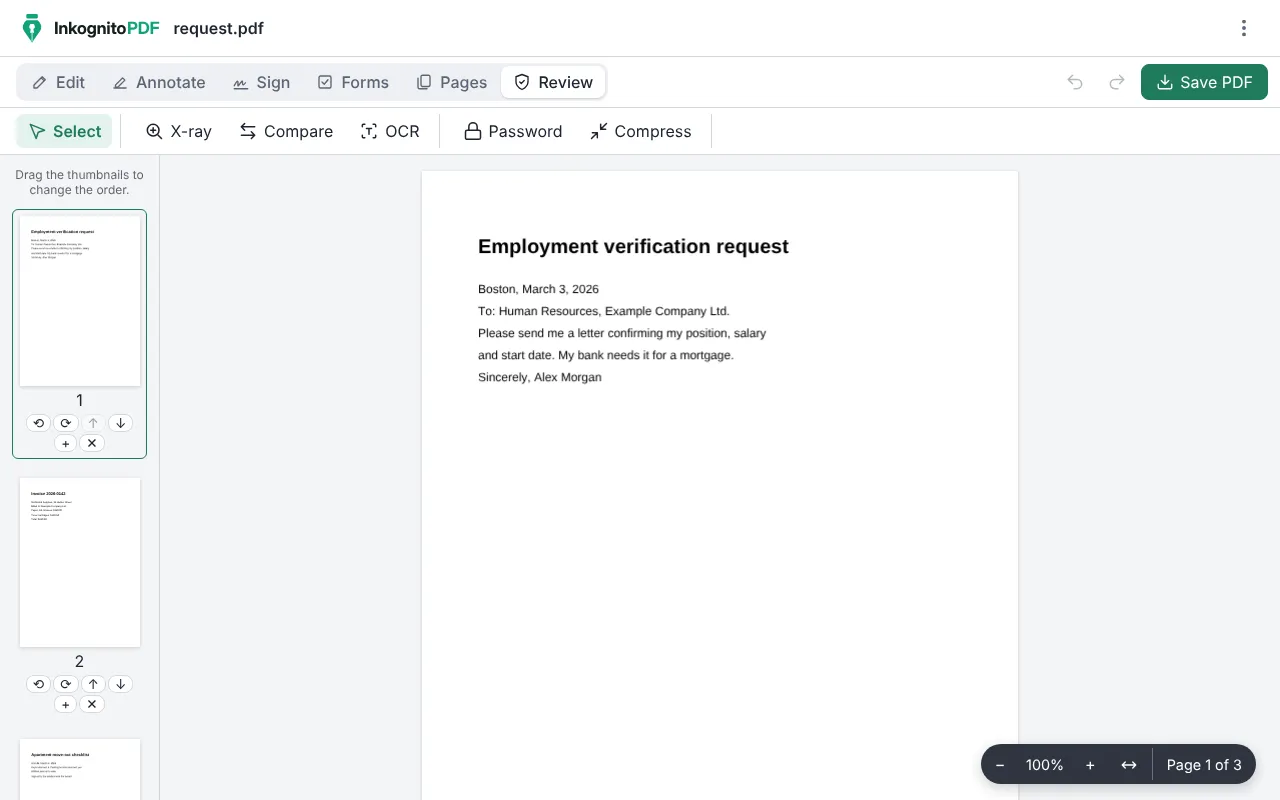
How to get started
- Press “Open InkognitoPDF”. No sign-up, nothing to install.
- Open one or more PDFs; if you pick several, they are merged into one.
- Choose the task at the top: “Edit”, “Annotate”, “Sign”, “Forms”, “Pages” or “Review”.
- Save the PDF. If you use it often, install it from your browser and it works offline too.
Why do it with InkognitoPDF
Your files are not uploaded
iLovePDF, according to its own website, uploads files to its servers and deletes them within two hours. Here they never leave your device.
All free, no paid plan
There is no premium version, no daily task limit and no watermark. No account or email either.
Open source
The code is published under the Apache-2.0 license: anyone can check that your files never leave the browser.
Frequently asked questions
What can I do with InkognitoPDF?
Merge, split and reorder pages, compress, edit text, sign (including with a digital certificate), fill out forms, scan with your phone, recognize text (OCR), redact data and add a password.
What does iLovePDF do that InkognitoPDF does not?
Mainly converting between PDF and Word, Excel, PowerPoint or JPG. For that, for now, you will need another tool.
Is InkognitoPDF related to iLovePDF?
No. iLovePDF is a trademark of its owners; this page only compares how each one handles your files.
Other things you can do
- Sign a PDF Draw your signature or sign with a digital certificate.
- Scan a document Photos of paper to a clean black-and-white PDF.
- Edit the text of a PDF Change the text and keep its font, size and color.
- Merge PDF Combine several PDFs and put the pages in order.
- Compress a PDF Make it small enough for email or chat.
- Fill out a form Complete fields, checkboxes and lists, and sign.
- Redact personal data Really remove ID numbers, accounts and emails.
- Scanned PDF to text (OCR) Recognize the text so you can search and copy it.
- CamScanner alternative Scan with no watermark, no subscription and no cloud.
- Scan both sides of an ID card Front and back on one A4 page, at real size.